Category: wordpressPlugins

  • Plugins Types

    Three plugin types in BeeLab

    BeeLab isn’t “one kind of WordPress plugin”. It’s a playground for three distinct architectures — from lightweight editor blocks, to standalone in-browser apps, to full WordPress + API systems backed by Django.


    1) Block plugins (Gutenberg blocks)

    Example: BeeSeen

    This category focuses on new blocks for the WordPress editor. You drop them into any page like native blocks, configure a few settings (images, intensity, layout), and the effect runs on the front-end.

    • What the user gets: new visual blocks (motion, galleries, interactive layouts)
    • Where it runs: entirely in the browser (no login required)
    • How it’s built: modern JS + npm build → bundled assets registered as a WordPress block plugin
    • Why it’s nice: theme-friendly, fast, easy to reuse across pages

    2) App-style plugins (single-page apps inside WordPress)

    Example: BeeGame

    This category treats WordPress as the hosting shell and ships an actual front-end application inside a plugin. The WordPress page is basically the mount point; the app handles routing, UI state, and interactions.

    • What the user gets: an interactive “mini-app” (simulations, tools, dashboards)
    • Where it runs: browser-only; no login, no backend required for the core experience
    • How it’s built: React + npm bundling; WordPress loads the built assets and provides the container page
    • Why it’s nice: richer UX than classic WP pages, but still deployable as a normal plugin ZIP

    3) Full-stack plugins (WordPress + Django API + database + users)

    Examples: BeeFont, Competence

    This is the most ambitious category: WordPress is the UI layer, but the product is a real system behind it — with authentication, stored data, and server-side workflows. WordPress plugins act as the “apps”, and Django provides the API and persistence.

    • What the user gets: accounts, saved projects/data, and features that persist across sessions
    • Where data lives: a proper backend (Django + database)
    • How it’s built: WordPress plugin(s) for UI + Django API for auth/data + structured models and endpoints
    • Why it’s nice: this is how you build “real applications” while keeping WordPress as the site shell

    BeeFont

    A font-building workflow delivered as WordPress pages and blocks — with backend jobs, stored assets, and structured project data.

    Competence

    A structured data-driven plugin built around users, profiles, and persistent content — powered by an API rather than “just WP pages”.


    A quick rule of thumb

    • Need a visual effect inside normal pages? → Block plugin (BeeSeen)
    • Need a self-contained interactive tool? → App-style plugin (BeeGame)
    • Need accounts + data + workflows? → Full-stack plugin (BeeFont / Competence)

    That’s the point of BeeLab: the same WordPress site can host all three styles — and each style stays “right-sized” for what it needs to do.


  • Introducing BeeSeen

    BeeSeen — interactive image blocks for WordPress

    BeeSeen is a Gutenberg block plugin that adds a small library of premium, motion-driven image effects — built to stay fast, theme-friendly, and usable in real websites.

    It’s not a heavy “gallery app”. It’s a set of focused blocks you can drop into any page: orbit, tilt, reveal, depth, accordion, shuffle… each effect is intentionally restrained, so the site feels alive without looking gimmicky.

    What you get

    • Interactive image blocks (hover, scroll, drag)
    • Theme-neutral styling (your theme stays in control)
    • Performance-first (mostly transforms & opacity)
    • Accessibility-aware (prefers-reduced-motion, focusable controls where needed)
    • Clean editor experience: pick images, tweak a few meaningful parameters, publish

    How it’s built

    BeeSeen is written as a modern Gutenberg block plugin. Blocks are authored in JavaScript, bundled via an npm build, and registered the standard WordPress way. Effects are implemented with small, targeted scripts per block — no giant frameworks running on every page.

    • Blocks (editor + frontend)
    • Scoped CSS so it doesn’t fight your theme
    • Progressive enhancement: content remains meaningful even if motion is reduced

    Try the live demos

    This post is the overview. The full interactive playground (all blocks + parameters) lives on the BeeSeen demo page.


    Download

    Latest ZIP build (from the BeeLab repository):

    https://github.com/nathabee/beelab/tree/main/wordpress/build/beeseen.zip

    Install in WordPress

    1. Plugins → Add New → Upload Plugin
    2. Select beeseen.zip
    3. Activate

    Who it’s for

    • Portfolio / showcase sites
    • Landing pages that need a subtle “alive” feeling
    • Creators who want motion without losing simplicity
  • Introducing BeeGame

    BeeGame

    Interactive simulations as Gutenberg blocks — explore dynamics, emergence, and control through hands-on visual models.


    This simulation runs entirely in the browser. No backend. No canvas hacks. Just rules, state, and time.


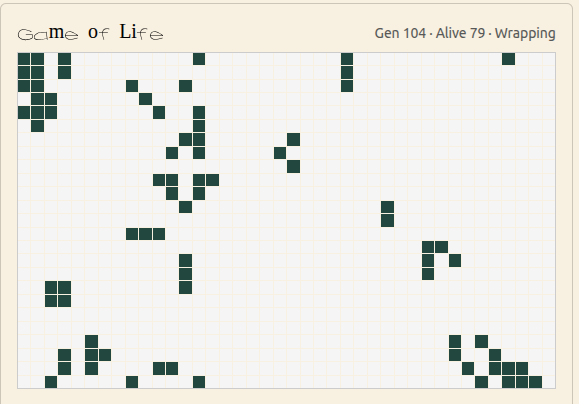
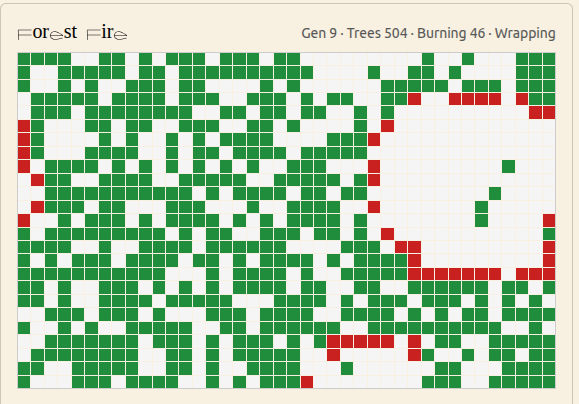
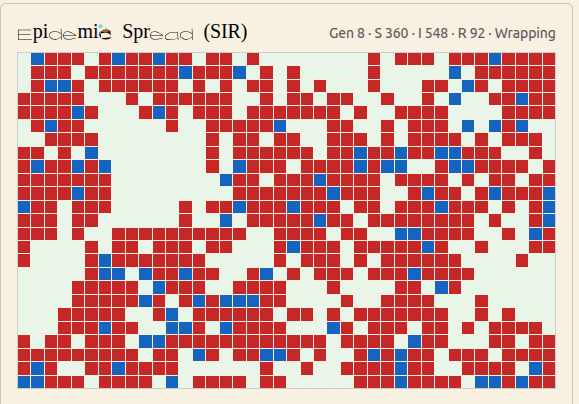
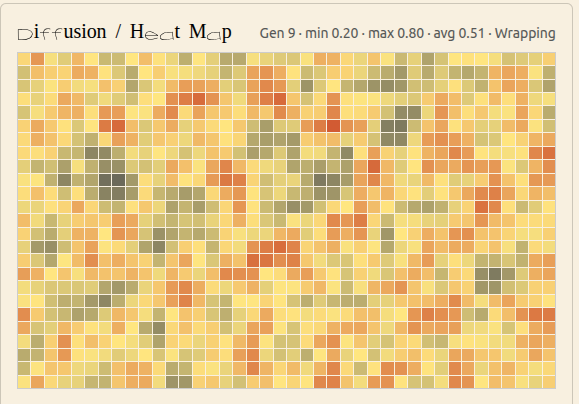
    Six simulations

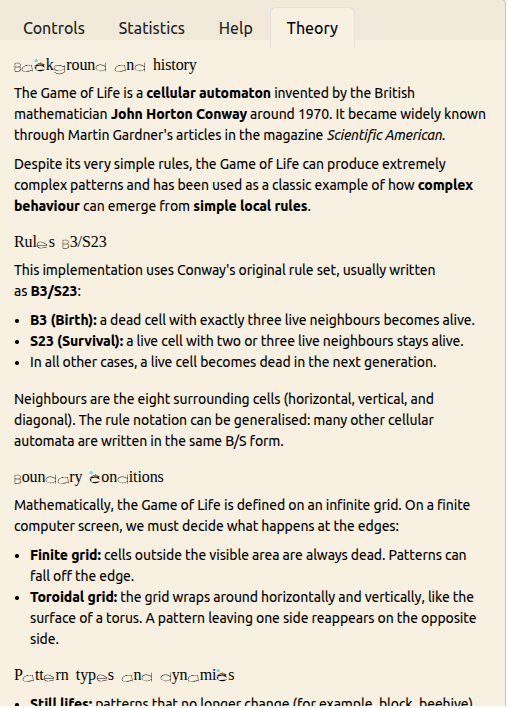
    Click to shuffle through the demos. Replace the images with screenshots once you’re ready.

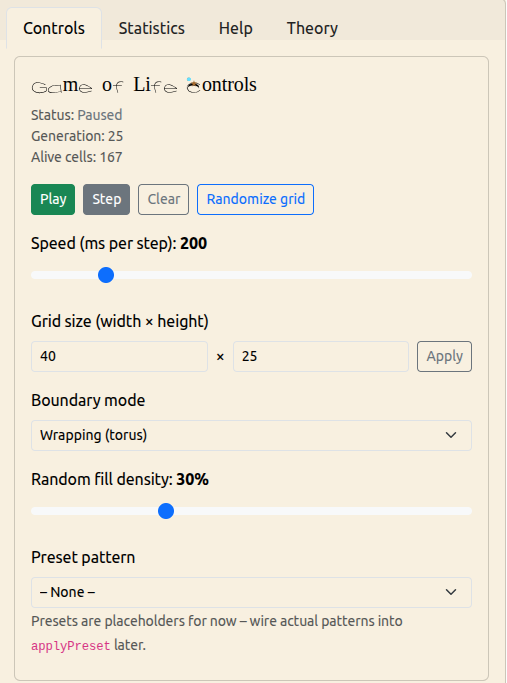
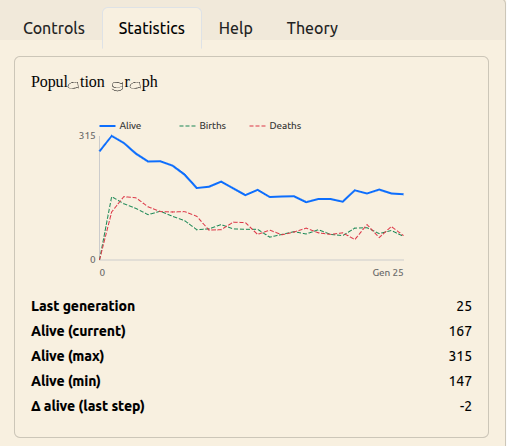
    Conway’s Game of Life

    A classic cellular automaton where simple rules create complex and often surprising emergent behaviour. Draw your own starting patterns and watch the system evolve over time.

    Forest Fire Automaton

    A stylised model of wildfire dynamics. Trees grow, lightning strikes, and fire spreads across the grid. Adjust growth and lightning probabilities to explore cycles of growth, destruction, and recovery.

    Epidemic Spread (SIR)

    A grid-based SIR-style model of infection spread. Each agent can be susceptible, infectious, or recovered. Tune infection probability, recovery time, and immunity to see how outbreaks start, peak, and fade.

    Diffusion / Heat Map

    A continuous field model for diffusion. Each cell holds a scalar “heat” value. Create hot spots, adjust diffusion and decay, and watch how the field smooths out or cools down over time.

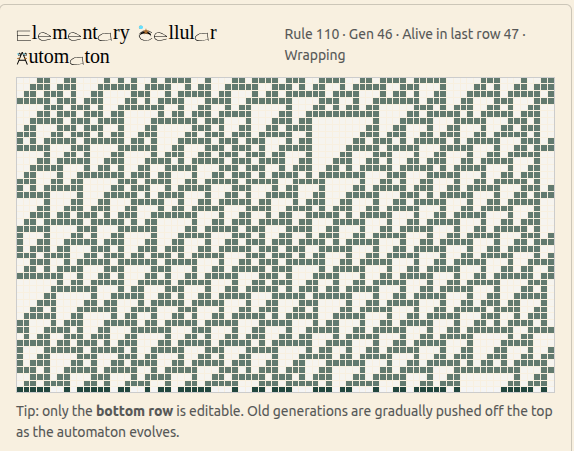
    Elementary Cellular Automata

    One-dimensional rules such as Rule 30, Rule 90, and Rule 110. Start from a simple initial row and watch how a single line of cells generates rich triangular and fractal patterns over time.

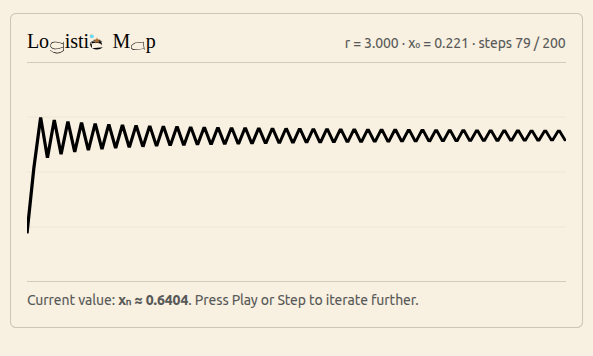
    Logistic Map (Growth & Chaos)

    The discrete-time population model xn+1 = r·xn(1 – xn). Slide the parameter r to travel from stable equilibrium through period-doubling into chaotic behaviour, and see how a simple formula generates complex dynamics.


    Three angles

    Each simulation can be explored through different lenses — replace these with your “tabs” screenshots.


    Not sure where to start?

    Spin the wheel and let one game pick you.

    • game of life
    • burning forest
    • epidemic spread
    • diffusion
    • elementary
    • Chaos growth

  • Introducing BeeFont

    BeeFont — Design Fonts, Letter by Letter

    BeeFont is a WordPress plugin for creating real fonts by drawing SVG vector glyphs directly in the browser.

    You design letters in a clean, focused editor, refine their shapes, and generate a standard TTF font you can install and use anywhere.


    What You Can Do with BeeFont

    • Draw and edit letters as SVG vectors
    • Fine-tune curves, strokes, and proportions
    • Manage glyphs visually and iterate on their design
    • Build and download a finished font file

    The workflow stays simple and intentional, from the first sketch to the final font.


    How It Works

    1. Create a font project
    2. Draw letters in the SVG glyph editor
    3. Adjust and refine as needed
    4. Build and download your font

    Part of BeeLab

    BeeFont is part of the BeeLab ecosystem and connects a modern WordPress interface with a dedicated backend for font generation.

    It is designed for people who care about letterforms and want a practical, hands-on way to create their own type.


    BeeFont
    Designed by Nathabee