
Introduction
BeeSeen is a WordPress block plugin focused on interactive, motion-driven image displays that still feel clean, premium, and theme-friendly. Instead of forcing a heavy “app”, BeeSeen gives you a growing library of specialized gallery blocks you can drop into any page to add movement, depth, and subtle interactivity.
BeeSeen blocks follow a few strict principles:
- Effects stay tasteful (no cheap gimmicks)
- Performance-first (mostly transforms and opacity)
- Accessibility-aware (respects
prefers-reduced-motion) - Theme-neutral styling (your WordPress theme stays in control)
Download
You can download the latest ZIP build here (GitHub build folder):
https://github.com/nathabee/beelab/tree/main/wordpress/build/beeseen.zip Install in WordPress:
- Plugins → Add New → Upload Plugin
- Select
beeseen.zip - Activate
Gallery Blocks
Bee Orbit
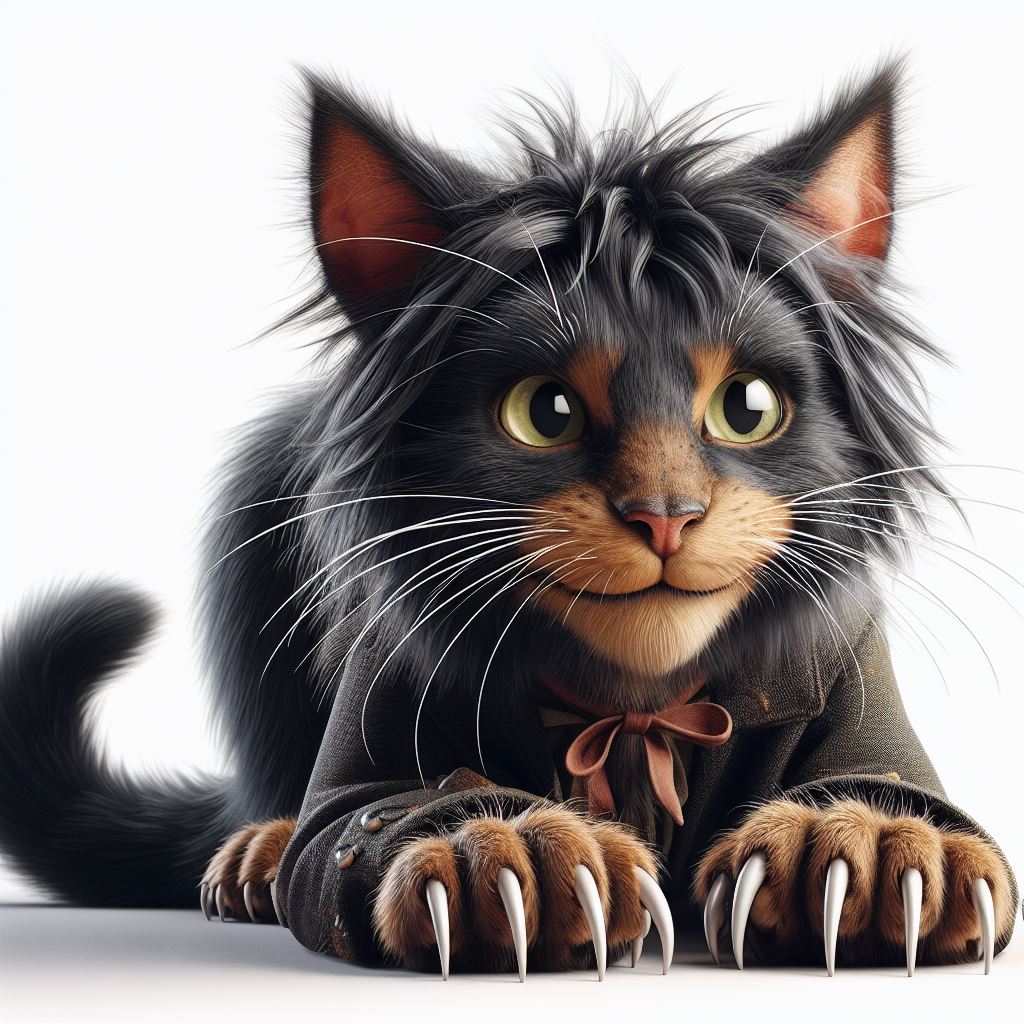
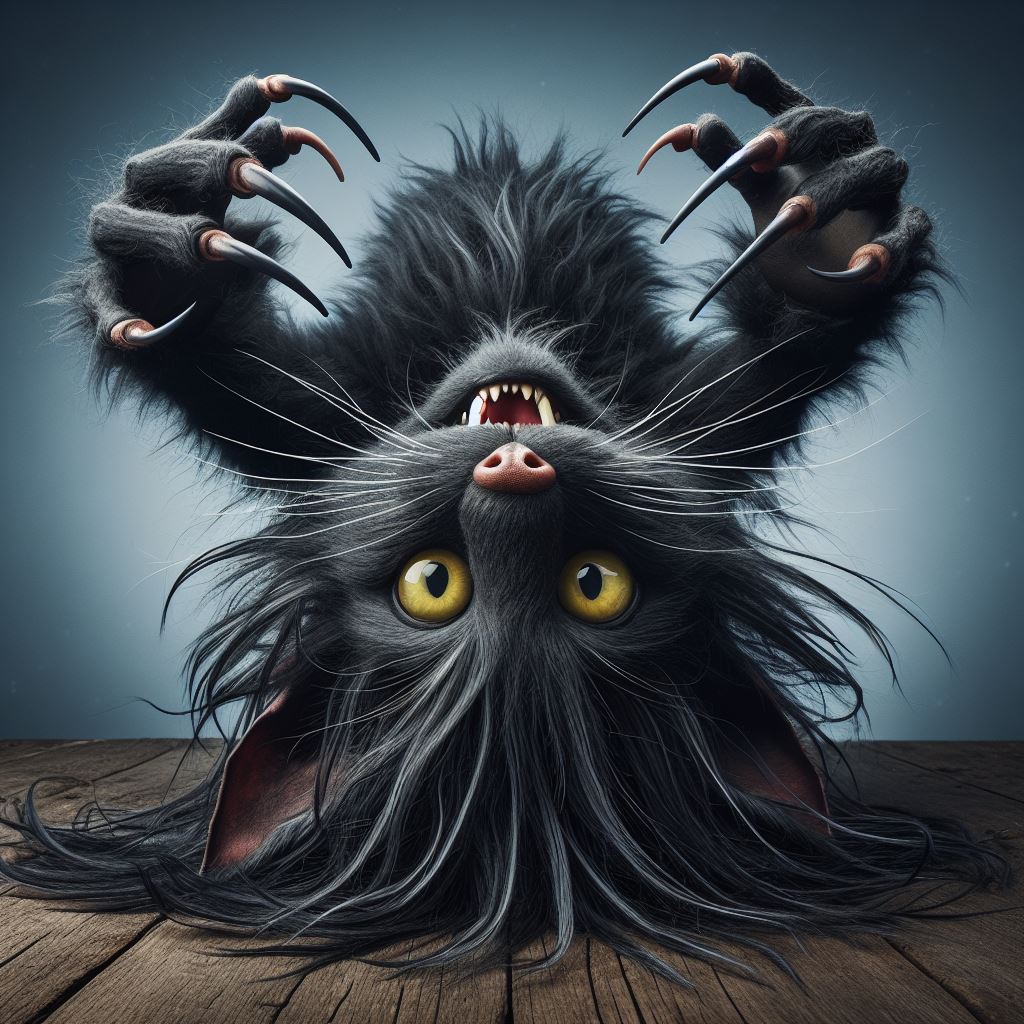
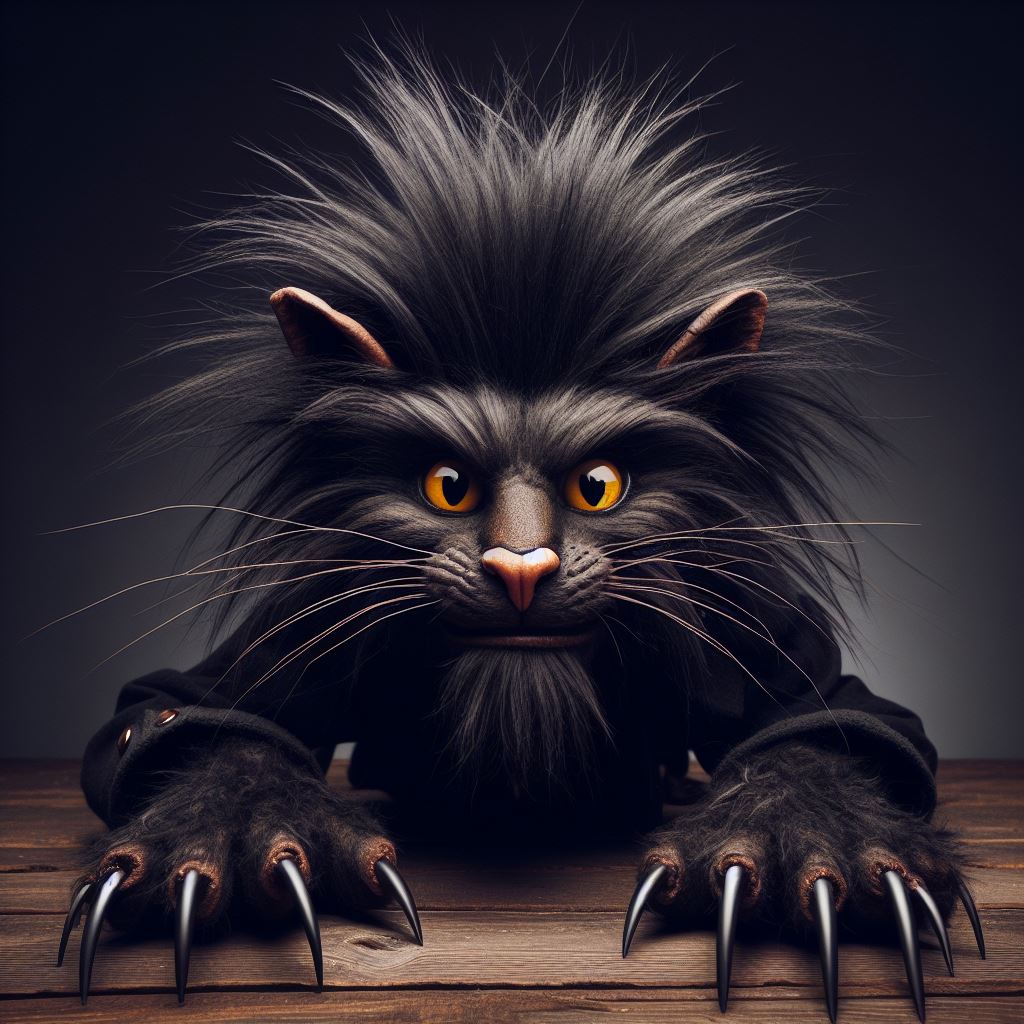
What it does: Displays selected images arranged in a circular orbit. Users can drag (and optionally scroll) to rotate the orbit.
Best for: Showcase galleries, “hero” visual moments, interactive portfolios.
Demo:
- Insert block: Bee Orbit
- Select multiple images
- Try drag rotation on the front-end
- Optional: test with
prefers-reduced-motionenabled to confirm motion reduction


Bee Spin Wheel
What it does:
Displays a set of choices arranged in a spinning wheel. On interaction, the wheel rotates, slows down, and lands on a single option, which is then highlighted with a clear call to action.
Best for:
Decision prompts, featured content teasing, playful navigation, “what should I choose?” moments, guided discovery.
Demo:
- Add several choices (image + label + link)
- Click the wheel to spin and select one option
- Optional: enable prefers-reduced-motion to verify instant selection without animation
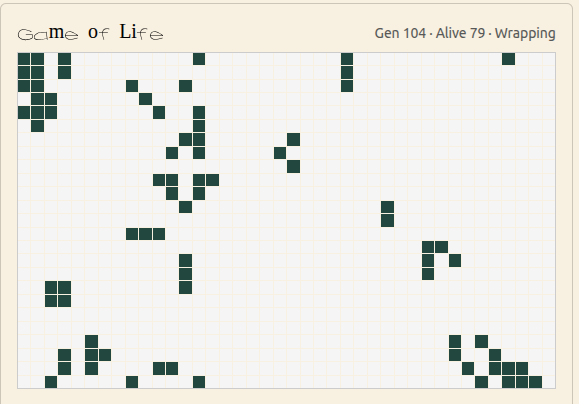
- game of life
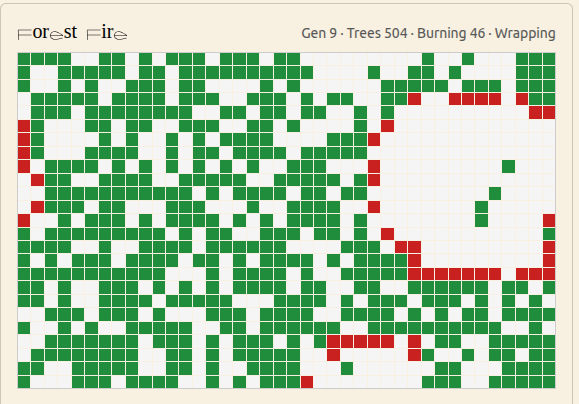
- burning forest
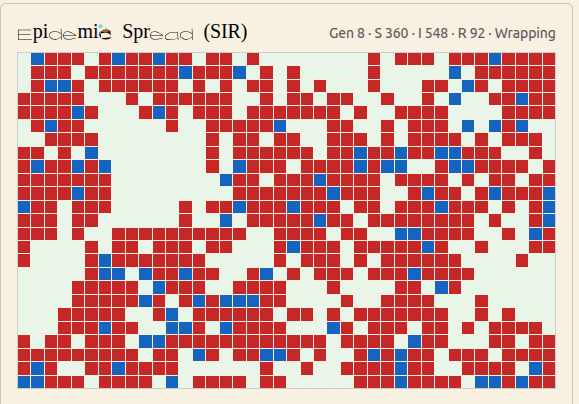
- epidemic spread
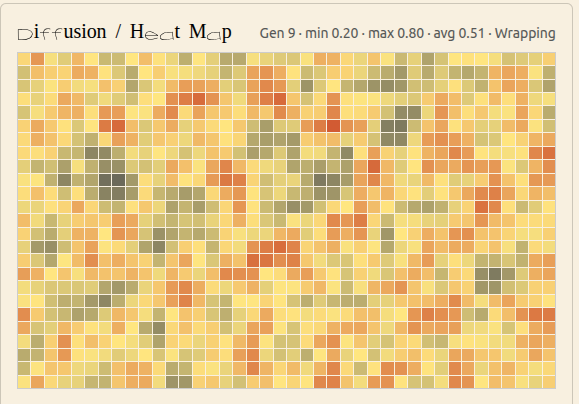
- diffusion
- elementary
- Chaos growth
Bee Wobble
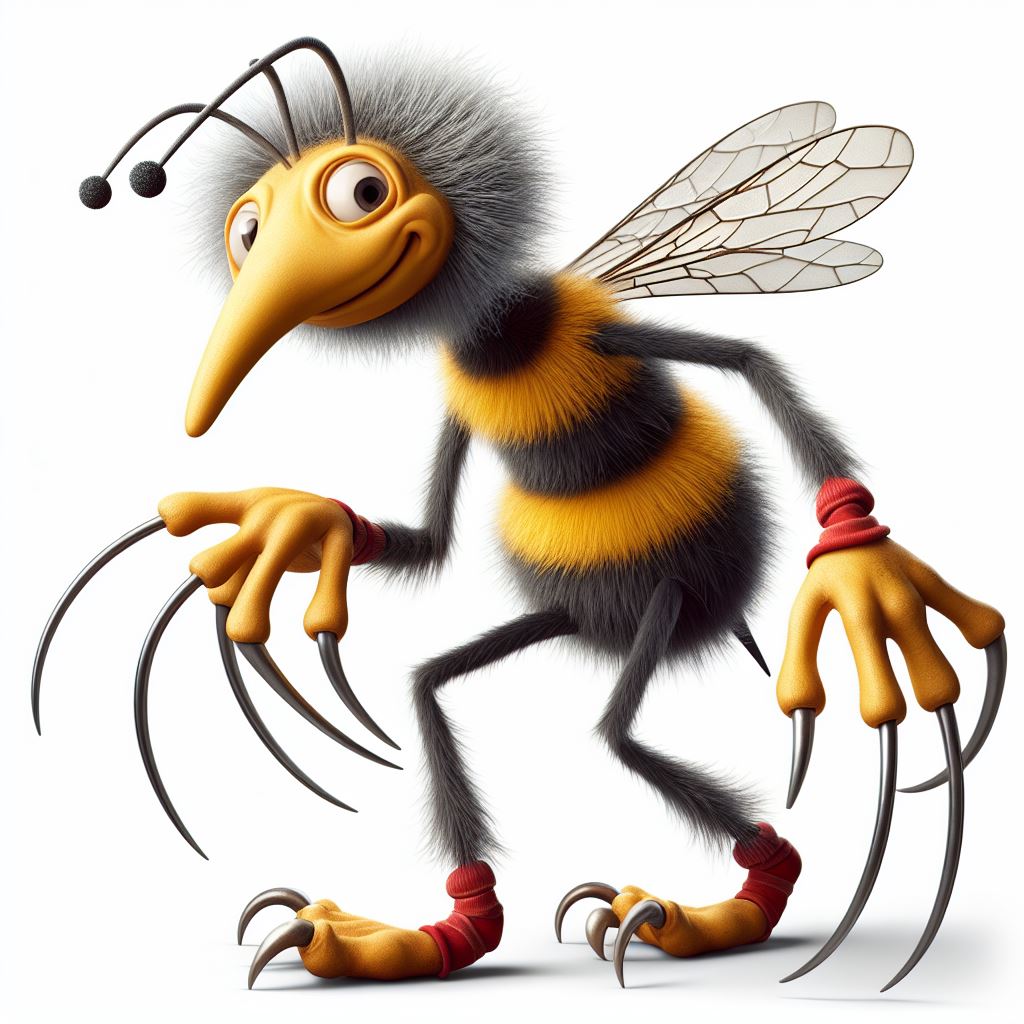
What it does: A grid gallery where hovering one image makes nearby tiles gently shift away (subtle premium “breathing” effect). Includes image fit modes so images can be shown fully or cropped depending on your intent.
Best for: Modern portfolio grids, image collections, product/feature galleries.
Demo:
- Insert block: Bee Wobble
- Select multiple images
- Try hover interactions on the front-end
- Switch “Image fit” between:
- Show full image (no crop)
- Fill tile (crop)
- Natural height
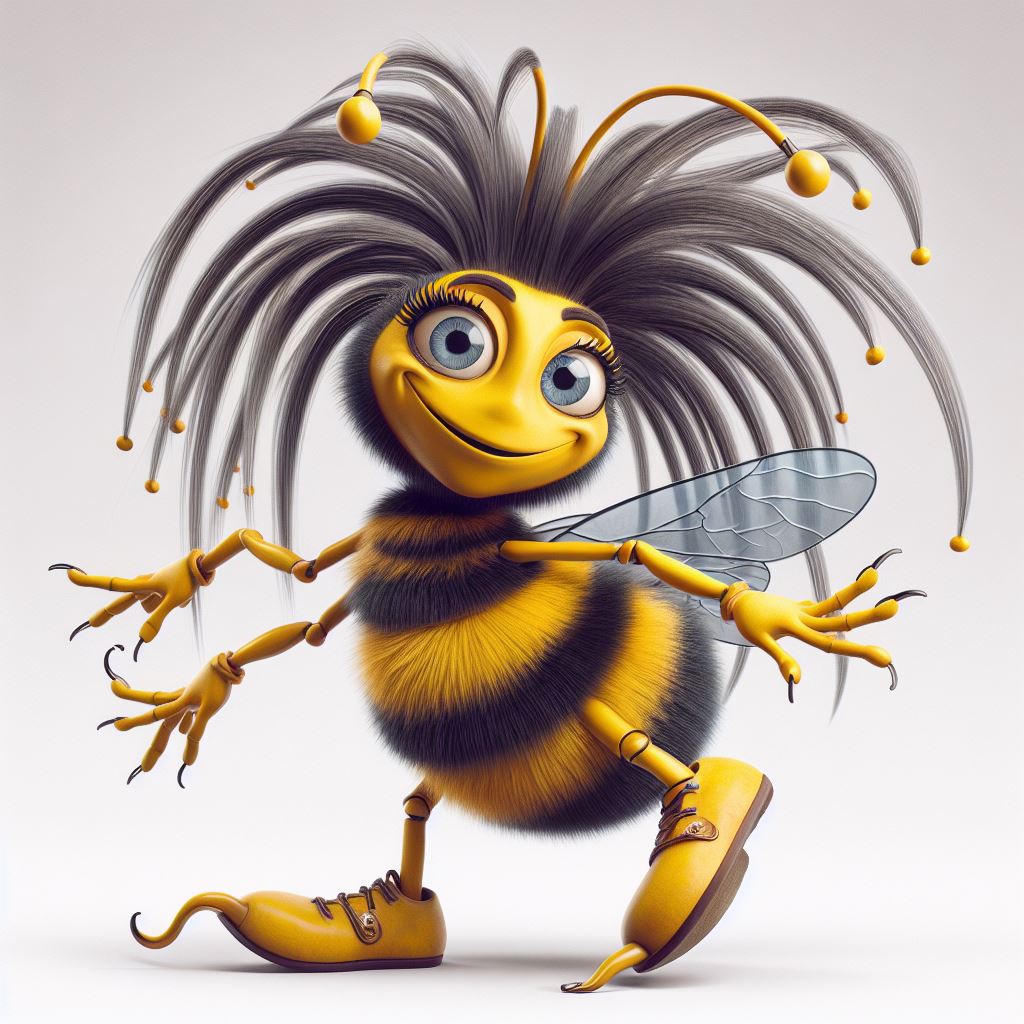
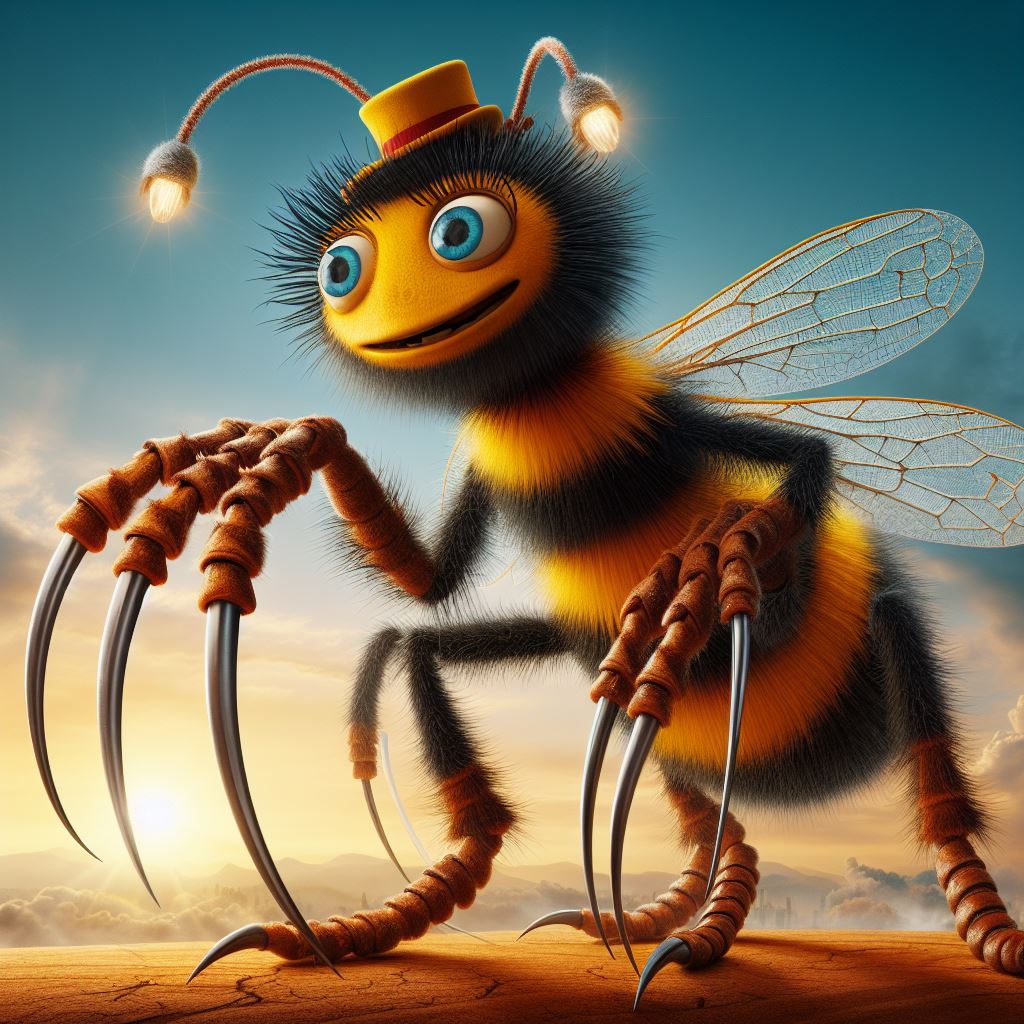
Bee Tilt
What it does: Cursor-driven tilt with optional soft glare highlight.
Best for: Single hero image, featured project tiles.
Bee Magnetic
What it does: Image subtly “pulls” toward the cursor and eases back (magnetic drift).
Best for: Interactive galleries without obvious motion.
Bee Reveal
What it does: Hover reveal mask (soft circular or feathered mask follows cursor to reveal detail).
Best for: Before/after, texture reveals, “discover” interactions.
What you see depends on where you look
Bee Parallax Lanes
What it does: Columns of images move at different scroll speeds (clean parallax).
Best for: Long pages, storytelling, landing pages.

Bee Story Cards
What it does: A single “stage” shows one card at a time (image + heading + text). Cards can auto-advance on a timer, or be changed manually via dots/prev/next — all without scroll-spacer dead zones.
Best for: Landing pages, portfolios, and storytelling sections where you want controlled pacing and a clean, premium feel.
Bee Ken Burns
What it does: Slow pan/zoom tied to scroll progress (Ken Burns-style).
Best for: Editorial layouts and story pages.
[Insert Bee Ken Burns block demo here]
Bee Perspective Scroll
What it does: Subtle rotateX/scale with scroll to simulate a gallery moving through space.
Best for: Premium portfolios, “gallery hallway” effects.
Bee Accordion Gallery
What it does: Hover expands one panel while others compress (classic accordion gallery done clean).
Best for: Featured collections, product categories.
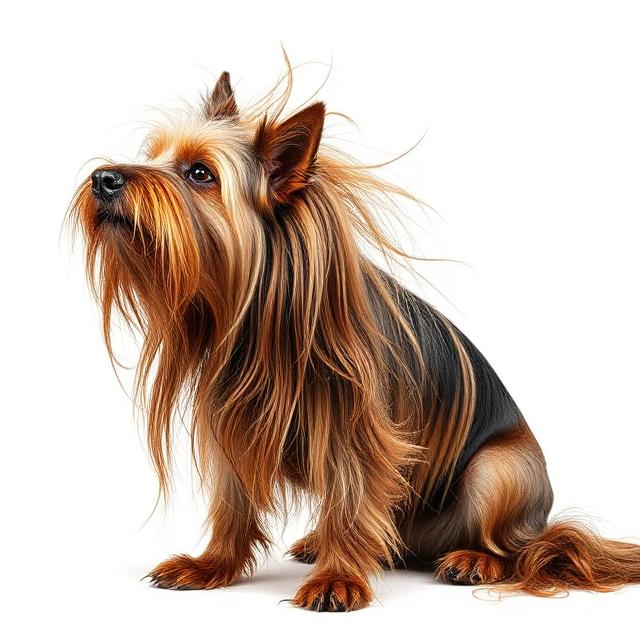
Bee Shuffle Deck
What it does: Card deck: click cycles top card with a smooth throw.
Best for: Small curated sets, playful showcases.
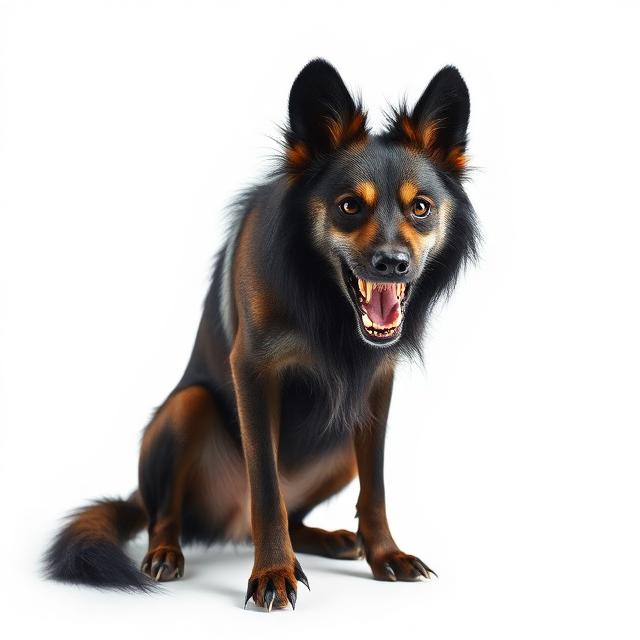
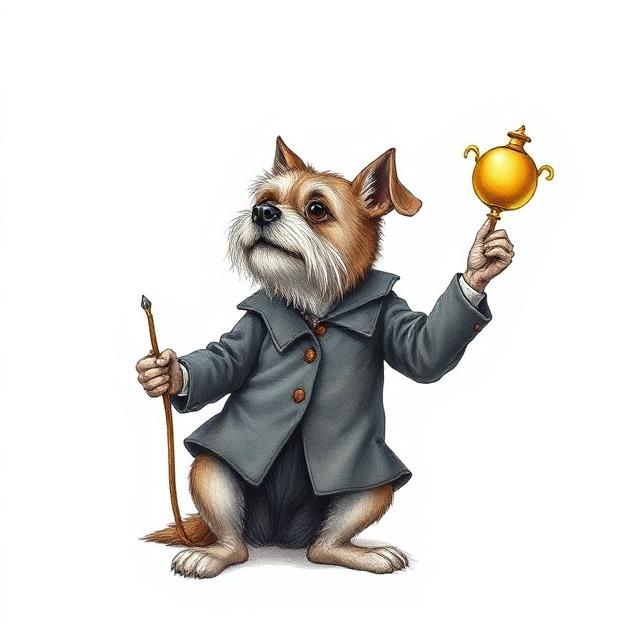
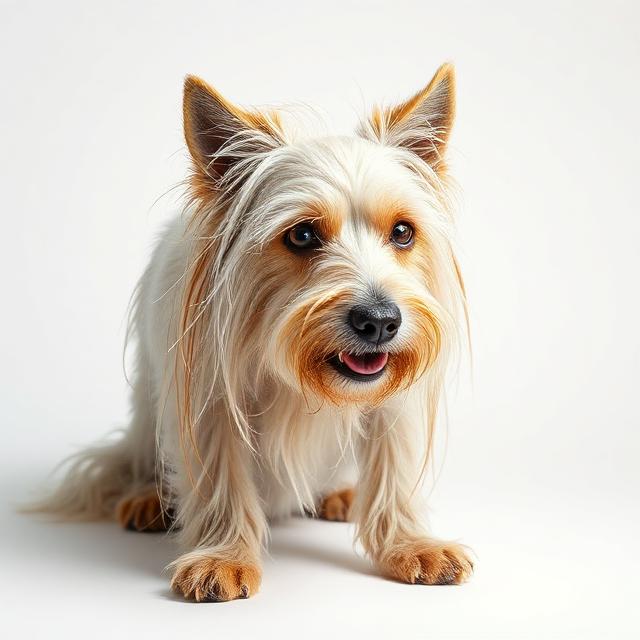
Cerberpup, Gatekeeper
Three shadows, one leash.
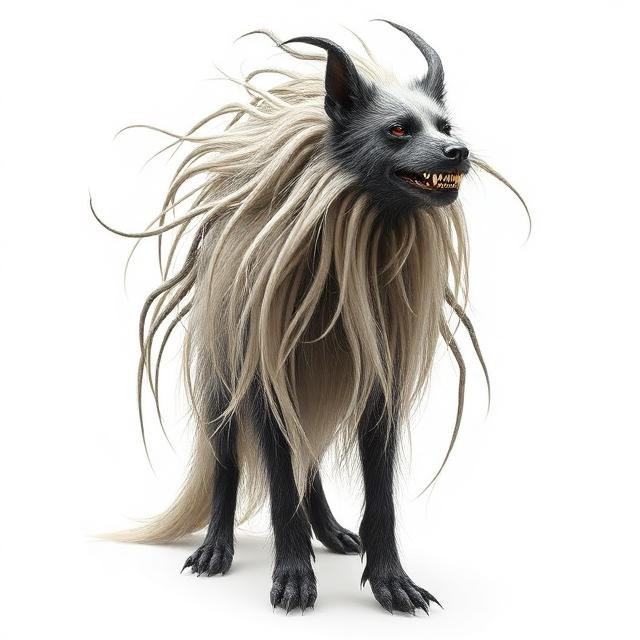
Moon-Riven Werehound
Half dog, half storm.
Hex Poodle, Court Magus
Curls like smoke. Bites like a contract.
[Insert Bee Shuffle Deck block demo here]
Bee Inertia Follow
What it does: Elements follow a target position with spring/inertia physics (alive but controlled).
Best for: Micro-interactions, subtle motion design.
[Insert Bee Inertia Follow block demo here]
Bee Noise Drift
What it does: Tiny organic motion so the gallery “breathes” (very subtle).
Best for: Ambient, premium sites.
[Insert Bee Noise Drift block demo here]
Bee Snap Focus
What it does: Cursor highlights the nearest image with soft zoom + caption fade.
Best for: Dense galleries where focus helps browsing.
[Insert Bee Snap Focus block demo here]
Bee Split Layers
What it does: Foreground and background move differently (requires two layers or cutout).
Best for: Hero showcases with subject separation.
[Insert Bee Split Layers block demo here]
Notes on performance and accessibility
- Motion is reduced or disabled when the user has prefers-reduced-motion enabled.
- Effects prioritize transform/opacity to keep rendering fast.
- Images should be reasonably optimized (WordPress media sizes help automatically).